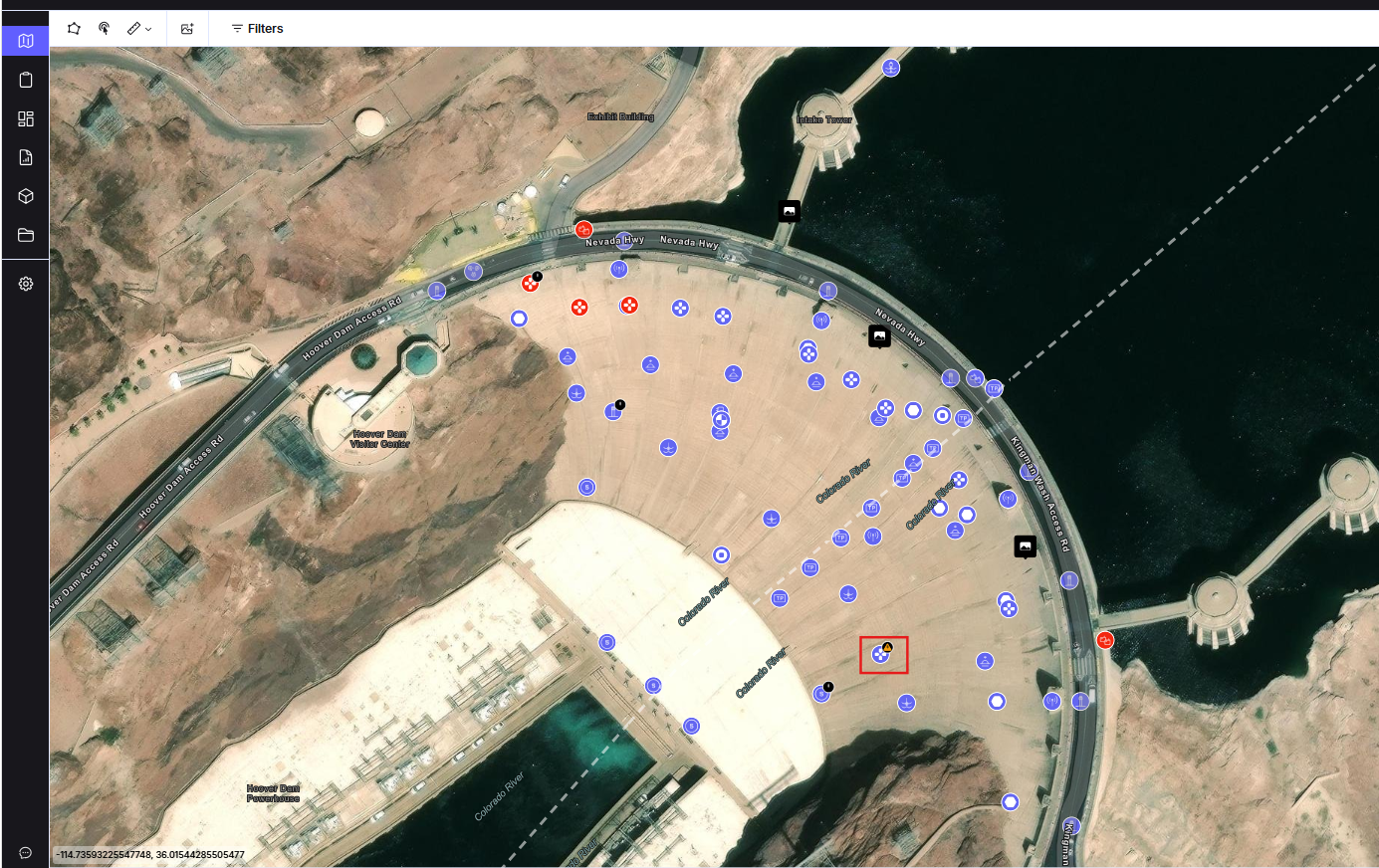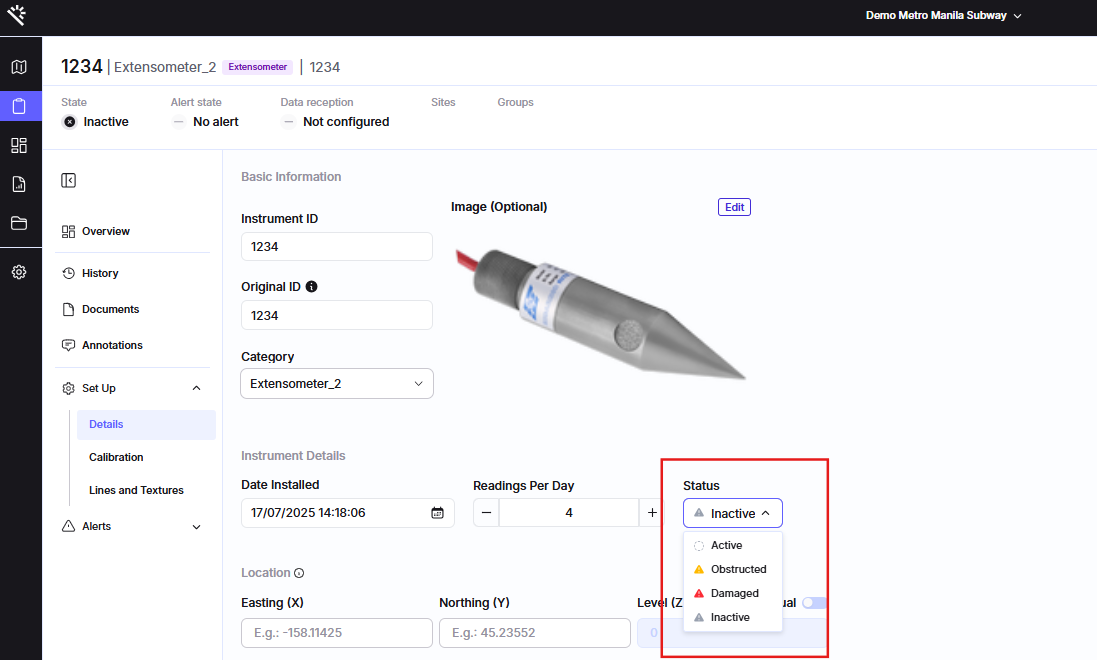
Why is this functionality useful?
This feature helps your team work with increased clarity by making instrument status immediately visible and easy to interpret. This feature will help your team:
- Quickly assess the overall health of your monitoring network
- Reduce time spent checking individual instruments
- Ensure your Proqio project reflects real site conditions
Feature Highlights
- Instant Visual Identification
Instrument icons automatically update on the map based on their assigned state, providing a real-time overview of site conditions. - Manual Classification
Users can manually assign states like Damaged or Obstructed to reflect changes observed in the field. - Conflict Prevention
Built-in logic prevents redundant or conflicting state assignments, ensuring clean and reliable data. - Admin-Level Control
Admins/Superadmins can manage which states are available within the project, keeping the interface streamlined for all users.
How does it work?
1. Assign a State
- Open any instrument from the Monitoring section or directly from the map
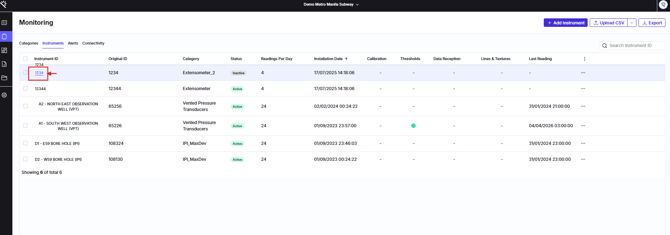
2. Update Manually
- In the instrument’s Setup or Overview tab
- Locate the State dropdown
- Select the current status (e.g., mark a sensor as Obstructed if a new structure is blocking its view)
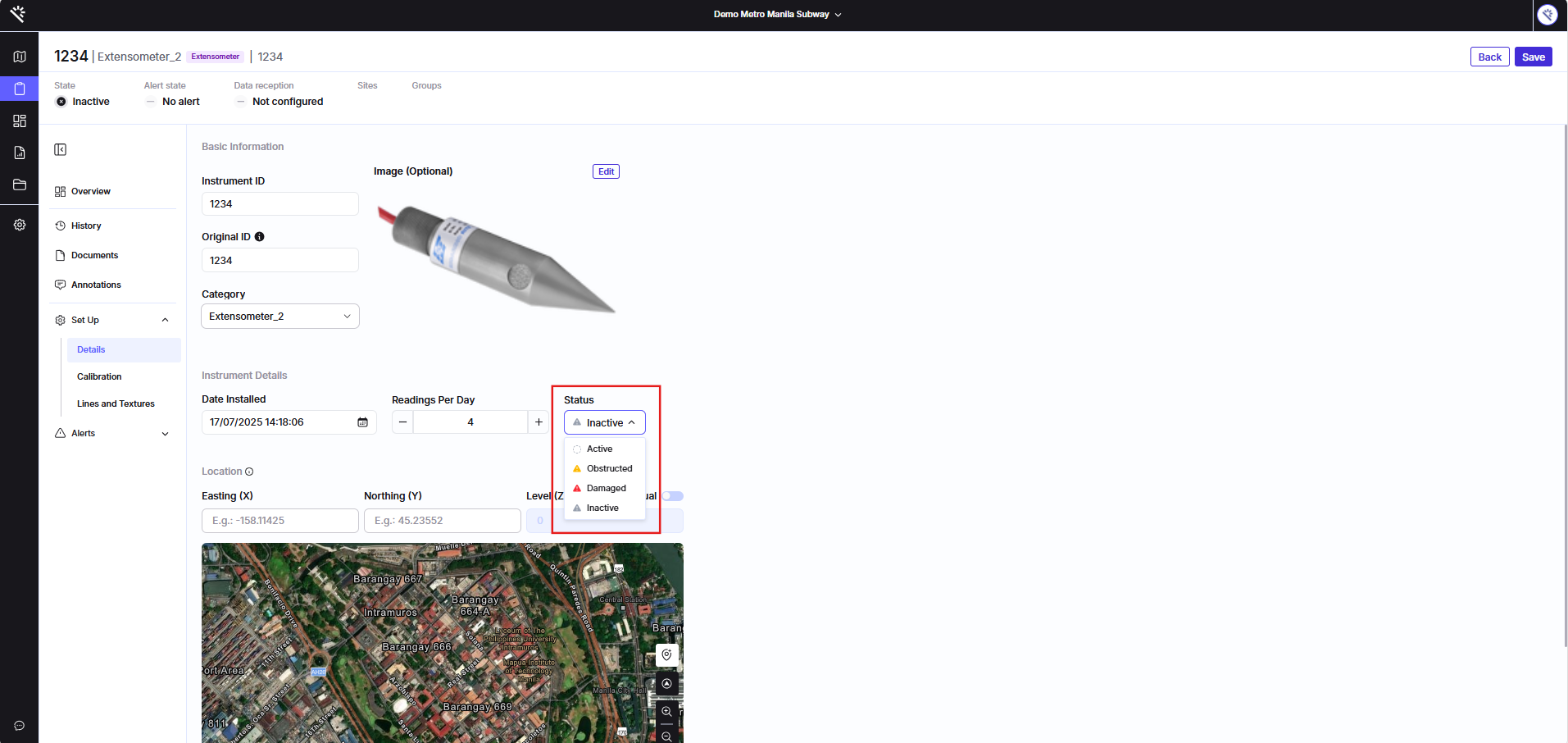
3. Monitor on the Map
- Return to the Map View
- The instrument icon will automatically update to reflect its newly assigned state